
 AYO Systems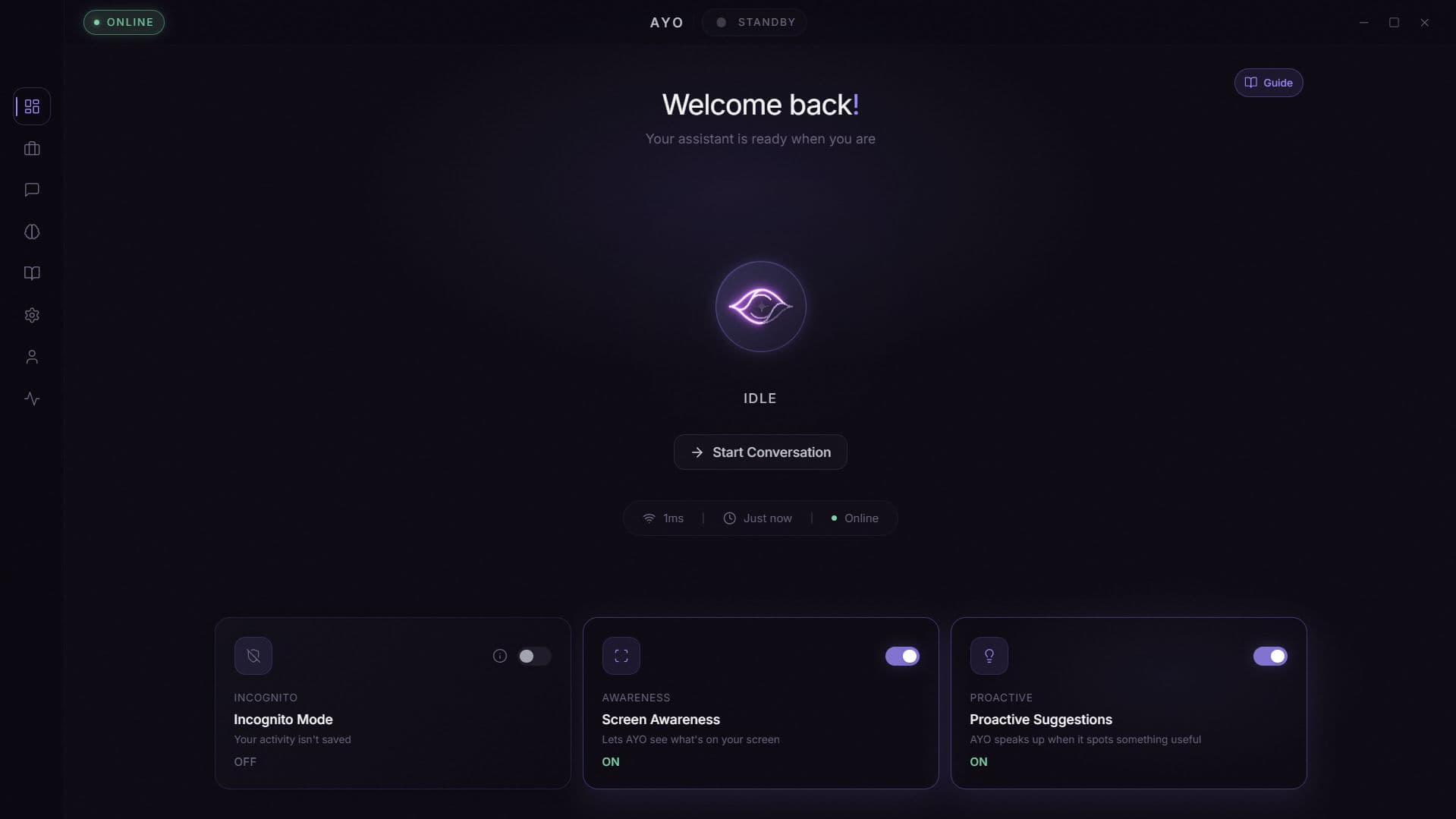
AYO is a private desktop AI companion developed by AYO Systems. It operates as an always-listening assistant that wakes to the spoken word "AYO" and answers with full awareness of what's already on your screen — the active window, document, email, or conversation — so requests can be made in natural sentences instead of copy-pastes and screenshots. Key features include hands-free voice interaction, on-device wake detection and , screen-aware question answering, deictic targeting that resolves words like "this," "here," and "that" to your cursor position, hover-word translation, region-sweep explanation, live web-verified fact-checking, multi-step desktop automation with built-in safety confirmations, and a tiered long-term memory that adapts to user preferences over time. This tool is ideal for professionals, founders, researchers, students, and anyone whose work spans many applications and who would prefer to stay in flow rather than switch to a chatbot in a separate tab. By keeping its attention on the desktop already in use, AYO turns routine friction into single sentences — summarize the document you're reading, draft a reply to the email on screen, sweep the cursor across a chart and ask what it means, or hand AYO a goal like "open Spotify and play my focus playlist" and let it work through the steps. A built-in workspace captures every output — tasks with subtasks and deadlines, scheduled reminders, notes, tables, study plans, comparison sheets, even Mermaid diagrams — without users ever needing to open a blank document. An Incognito hotkey instantly pauses screen reading and local saves whenever sensitive work is on screen, making AYO suitable for confidential environments. AYO stands out from cloud chatbots and built-in OS assistants along three dimensions. First, context: wake detection, screen capture, and OCR all run locally, so the assistant already knows what the user is looking at without having to be told. Second, agency: where most assistants only answer questions, AYO can also act — driving applications, filling forms, navigating the web, and chaining multi-step tasks one move at a time, with an explicit confirmation gate before any destructive action. Third, memory: every interaction contributes to a tiered memory graph users can pan, zoom, search, and prune in 2D or 3D, so AYO grows more personal the longer it's used. Use cases include summarizing whatever's on screen, fact-checking an article in real time, automating repetitive desktop workflows, capturing tasks and reminders from spoken context, translating words on hover, generating study plans and comparison tables, and activating saved "modes" — study, deep work, gaming — that reshape AYO's tone and behavior on the fly. This makes it a unique tool for users who want a desktop AI that sees what they see, acts on what they say, and remembers what they care about.
Participated in: Ai tools Showdown · S2
16 products competed and AYO finished as Semi Finalist with 0 votes.
View contestTitles earned
Similar products



Arena result
 Semi Finalist
#9 out of 16 products
Ai tools Showdown · S2